PackingSolver’s documentation
Introduction
PackingSolver is a software package dedicated to the practical resolution of cutting and packing problems.
PackingSolver takes as input:
A set of pieces to cut/pack called items.
A set of containers from which to cut / in which to pack these items, called bins.
A set of parameters for the optimization
Then PackingSolver outputs the cutting/loading plans.
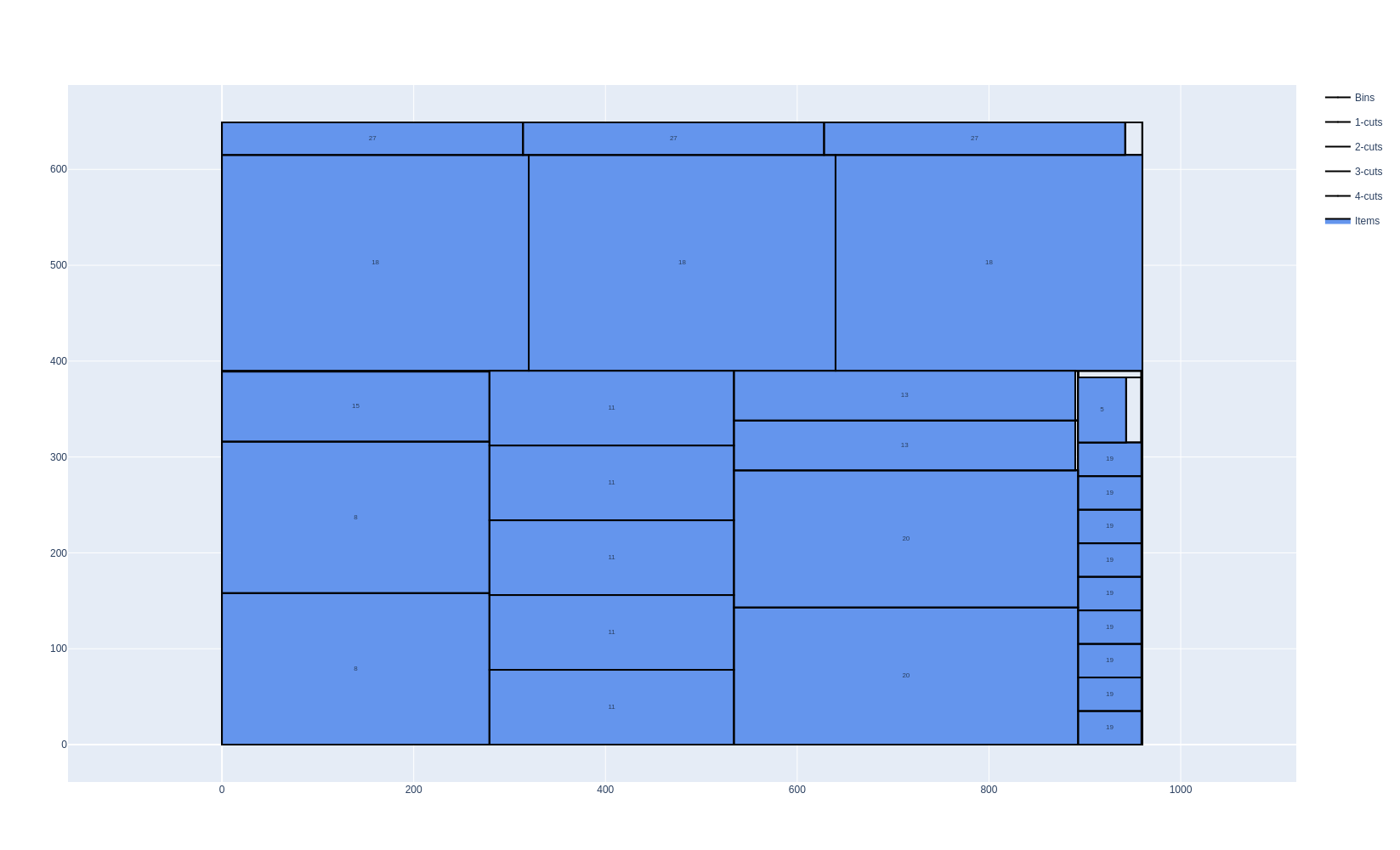
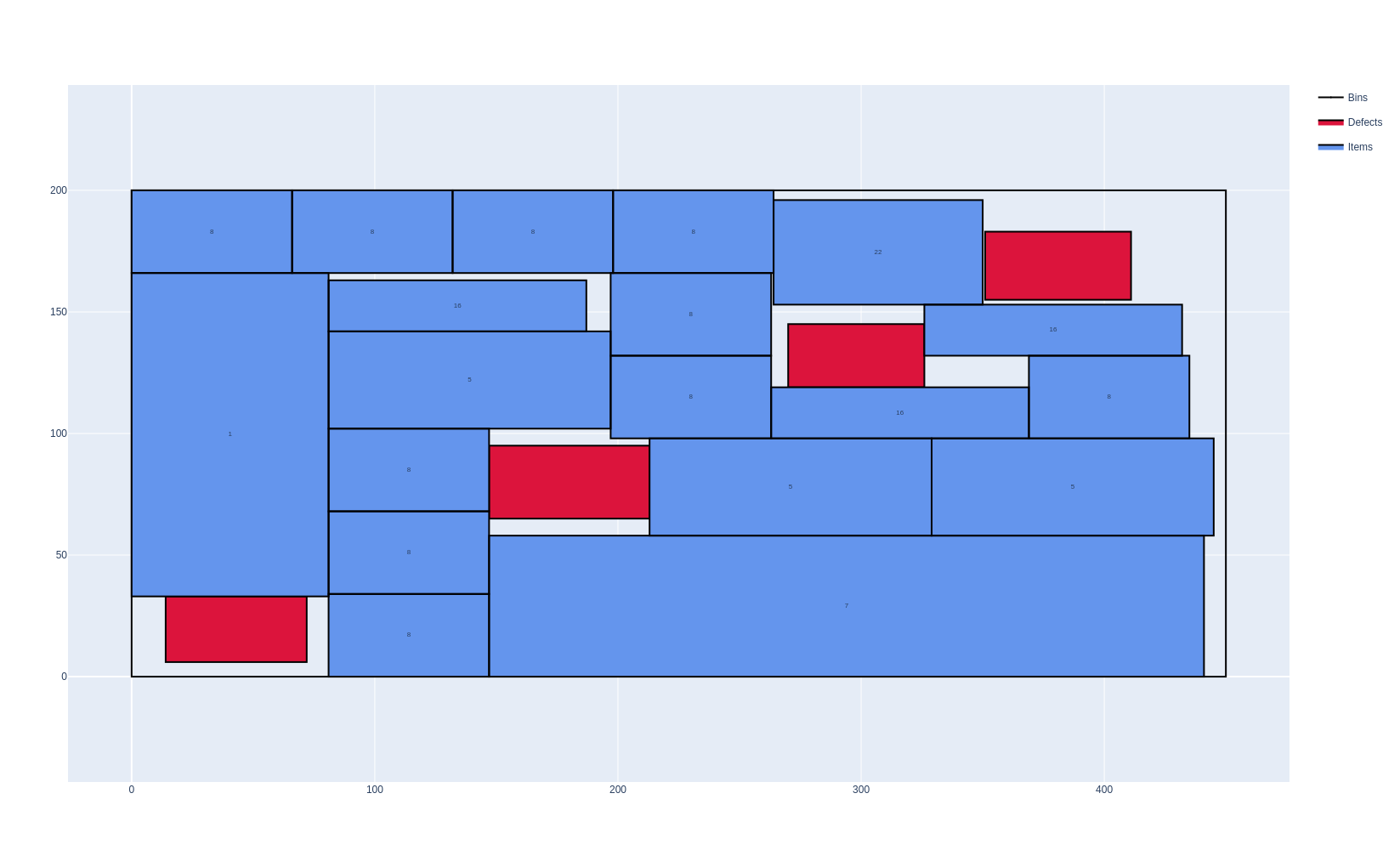
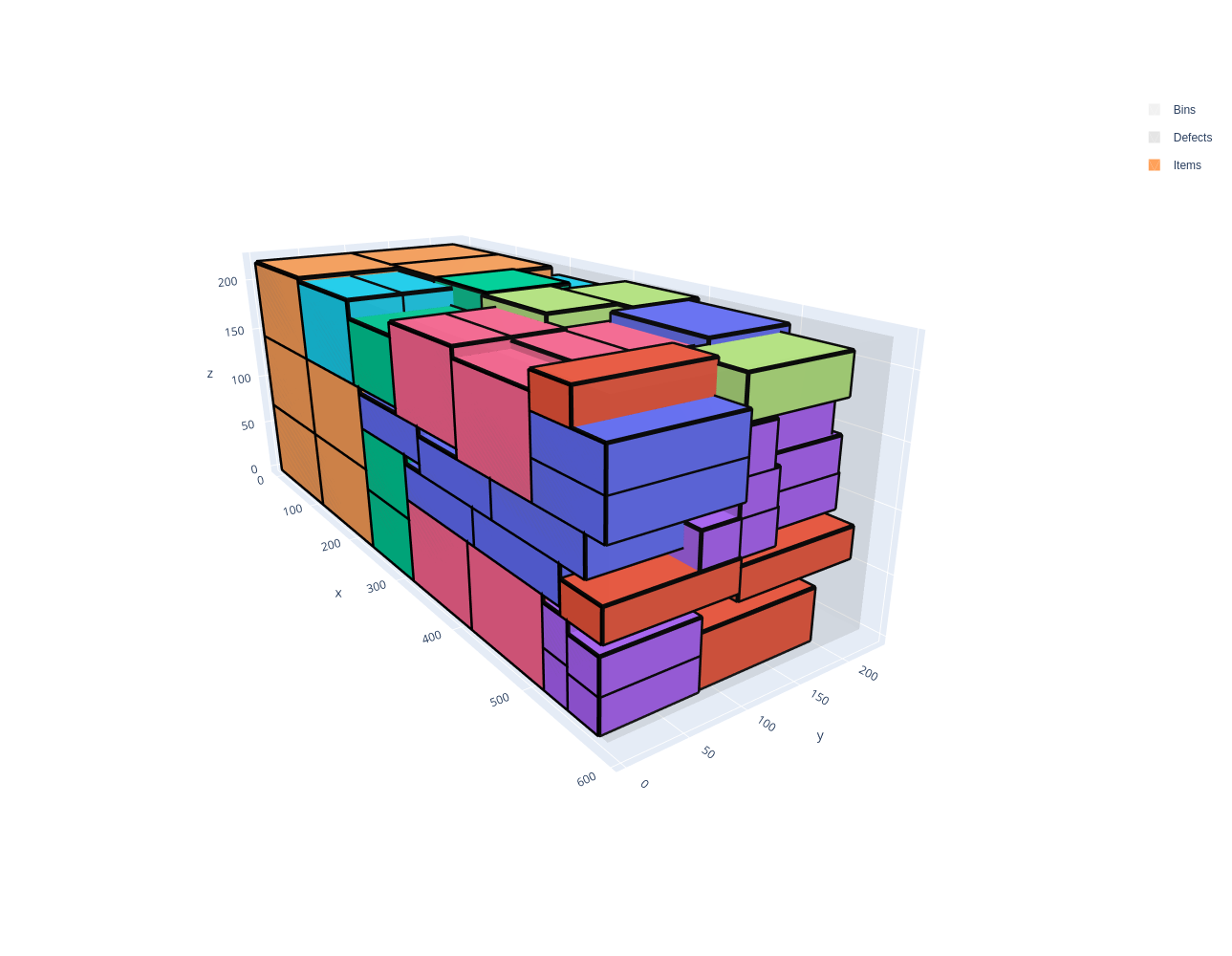
PackingSolver solves multiple problem types:
|
|
|
|
|
|
|
|
|
|
|
|
Getting started
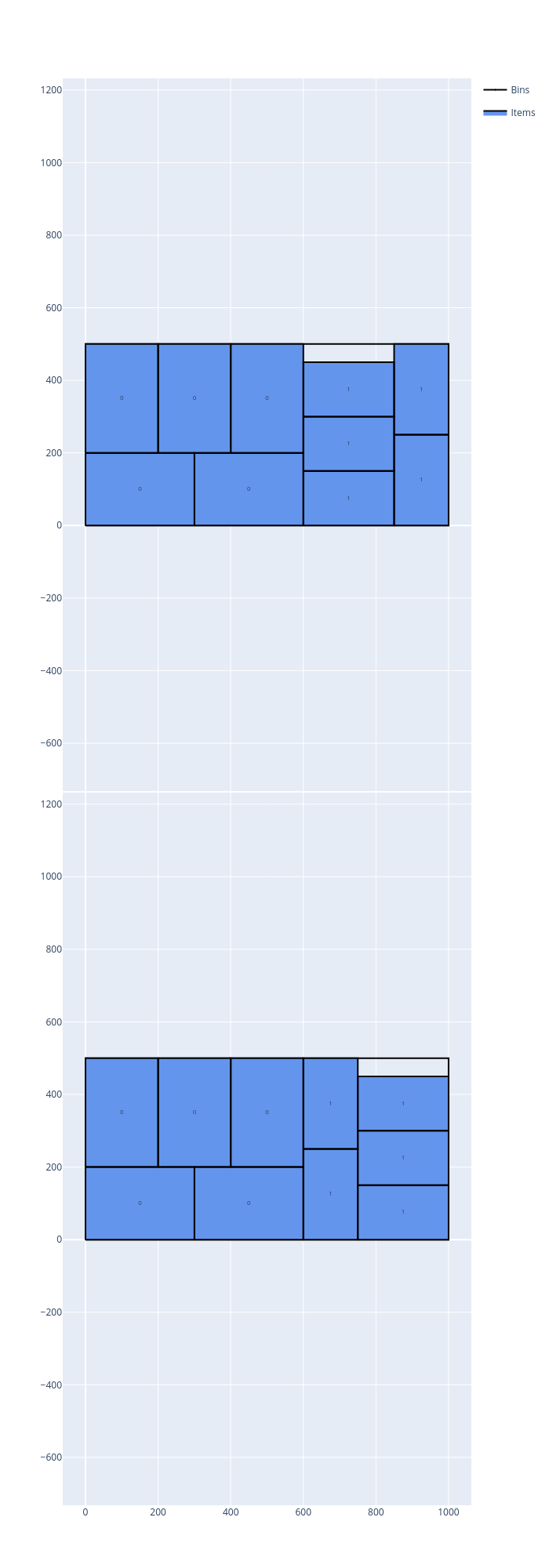
Let’s see how to solve a simple rectangle packing problem. There are two item types: the first one has a width of 300, a height of 200 and 10 copies; the second one has a width of 250, a height of 150 and 10 copies. The items are packed in bins of width 1000 and height 500, using as few bins as possible, and then maximizing the leftover of the last bin (see Objectives).
PackingSolver can be used:
in the browser, with the online solver: no installation is needed, and the computation runs on your machine;
from the command line, with an instance in the JSON format: the solvers are built with CMake (
cmake -S . -B build -DCMAKE_BUILD_TYPE=Release,cmake --build build --parallel,cmake --install build --prefix install);from Python, with the
packingsolverpackage (pip install packingsolver, Python ≥ 3.12);from C++, with the library (CMake targets
PackingSolver::<problem type>).
The tabs below show the instance and how to solve it with each of them; the other pages of this documentation use the same tabs:
Open the example in the online solver: Basic example, then click Solve.
{
    "objective": "bin-packing-with-leftovers",
    "bin_types": [
        {"x": 1000, "y": 500, "copies": 10}
    ],
    "item_types": [
        {"x": 300, "y": 200, "copies": 10},
        {"x": 250, "y": 150, "copies": 10}
    ]
}
Solve it with the command-line solver:
packingsolver_rectangle \
        --input instance.json \
        --certificate solution.csv \
        --time-limit 5
import packingsolver.rectangle as psr

instance_builder = psr.InstanceBuilder()
instance_builder.set_objective(psr.Objective.BinPackingWithLeftovers)
instance_builder.add_bin_type(1000, 500, copies=10)
instance_builder.add_item_type(300, 200, copies=10)
instance_builder.add_item_type(250, 150, copies=10)
instance = instance_builder.build()
Solve it:
parameters = psr.OptimizeParameters()
parameters.time_limit = 5
output = psr.optimize(instance, parameters)
output.solution.write("solution.csv")
#include "packingsolver/rectangle/instance_builder.hpp"

using namespace packingsolver;
using namespace packingsolver::rectangle;

InstanceBuilder instance_builder;
instance_builder.set_objective(Objective::BinPackingWithLeftovers);
BinTypeId bin_type_id = instance_builder.add_bin_type(1000, 500);
instance_builder.set_bin_type_copies(bin_type_id, 10);
ItemTypeId item_type_id = instance_builder.add_item_type(300, 200);
instance_builder.set_item_type_copies(item_type_id, 10);
item_type_id = instance_builder.add_item_type(250, 150);
instance_builder.set_item_type_copies(item_type_id, 10);
Instance instance = instance_builder.build();
Solve it:
#include "packingsolver/rectangle/optimize.hpp"

OptimizeParameters parameters;
parameters.timer.set_time_limit(5);
rectangle::Output output = optimize(instance, parameters);
output.solution_pool.best().write("solution.csv");
Link the target PackingSolver::rectangle of the CMake project.
The terminal output of the command-line solver looks like:
=================================
          PackingSolver
=================================

Problem type
------------
Rectangle

Instance
--------
Objective:             BinPackingWithLeftovers
Number of item types:  2
Number of items:       20
Number of bin types:   1
Number of bins:        10
Number of groups:      1
Number of defects:     0
Unloading constraint:  None
Total item area:       975000
Total item width:      5500
Total item height:     3500
Smallest item width:   150
Smallest item height:  150
Total item profit:     975000
Largest item profit:   60000
Total item weight:     0
Largest item copies:   10
Total bin area:        5000000
Total bin weight:      inf
Largest bin cost:      500000

        Time      # bins    Leftover                         Comment
        ----      ------    --------                         -------
       0.000           3      162500                  TS g 0 d X q 1
       0.001           3      207500                  TS g 0 d X q 1
       0.001           3      275000                  TS g 0 d X q 1
       0.001           3      462500                  TS g 0 d X q 2
       0.002           2           0                  TS g 0 d X q 9

Final statistics
----------------
Time (s):  5.00498

Solution
--------
Number of items:  20 / 20 (100%)
Item area:        975000 / 975000 (100%)
Item weight:      0 / 0 (-nan%)
Item profit:      975000 / 975000 (100%)
Number of bins:   2 / 10 (20%)
Bin area:         1000000 / 5000000 (20%)
Bin weight:       inf / inf (-nan%)
Bin cost:         1e+06
Waste:            25000
Waste (%):        2.5
Full waste:       25000
Full waste (%):   2.5
Area load:        0.195
Weight load:      0
X max:            1000
Y max:            500
Leftover value:   0
From the terminal output, we see that the solver managed to pack all the items using two bins.
The loading plans are written in the solution.csv file. To visualize them, open the file in the solution viewer, or run:
python3 scripts/visualize.py solution.csv